What Is CRM Software? Features, Benefits, and How It Works
Learn what CRM software is, how it works, its key features, benefits, types, and how businesses use CRM systems to manage customers and sales.
Introduction
Managing customer information gets harder as a business grows. Sales reps might write notes in spreadsheets. Marketers could use email tools. Customer support teams may keep their records. When all this data is spread across systems it becomes hard for teams to see the full picture of what a customer has gone through.
That is where CRM Software comes in. A customer relationship management platform collects customer details, conversations, sales actions, tasks and other key information into one place. It helps companies handle leads, follow up more effectively, work together as a team and use customer data in smarter ways.
What Is CRM Software?
Software Meaning
Software is a set of programs that helps computers and devices perform specific tasks. It also helps people complete daily tasks more efficiently. Businesses use different types of software for accounting, communication, project management, marketing, sales, and customer service. Each type supports specific business needs and workflows.
In simple terms, software helps people complete tasks digitally. It reduces the need for manual processes and can improve everyday productivity.
CRM Software Meaning
The abbreviation CRM means customer relationship management. As such, the full form of CRM is customer relationship management.
A CRM software is a computer program that assists organizations in organizing information of their customers, managing their relationships, managing customer interactions, managing leads, and managing sales activity.
For example, a potential customer may contact a company through its website. CRM software can capture the customer’s contact details and add them as a lead. It can also record interactions and assign the lead to a sales representative. The system can then remind the sales representative to follow up.
This process saves time when teams search for customer data. Employees can find important details without checking emails, spreadsheets, and notes. A CRM can support businesses of different sizes. Startups can use it to manage a small customer base. Larger organizations can use it to manage thousands or even millions of customer records.
How Is CRM Different From a CRM System?
The concepts of CRM and CRM system are sometimes considered identical; however, there is a slight difference between them.
The definition of CRM is concerned with the general concept of managing the relationship with clients and customers, which can encompass various techniques, technologies, procedures, and other things. The term CRM system usually means technologies utilized for such management.
Nowadays, CRM systems have become rather complicated tools that involve digital marketing, customer care solutions, analytics, mobility, artificial intelligence, and other features.
How Does CRM Software Work?
A CRM system generally works by bringing customer information and business activities into one connected environment. While the exact workflow differs between CRM platforms, the basic CRM system process often follows these steps.
Step 1: Collect Customer Information
The first step is gathering information about prospects and customers.
A CRM may collect details such as:
- Customer name
- Email address
- Phone number
- Sales conversations
- Support requests
- Marketing interactions
For example, someone may fill out a contact form on a website. The CRM can automatically add that person as a lead. This process reduces the need for employees to copy information between applications.
Step 2: Store Customer Data in One Place
After collecting the information, the CRM stores it in one database. Businesses use CRM systems to keep customer data organized and accessible.
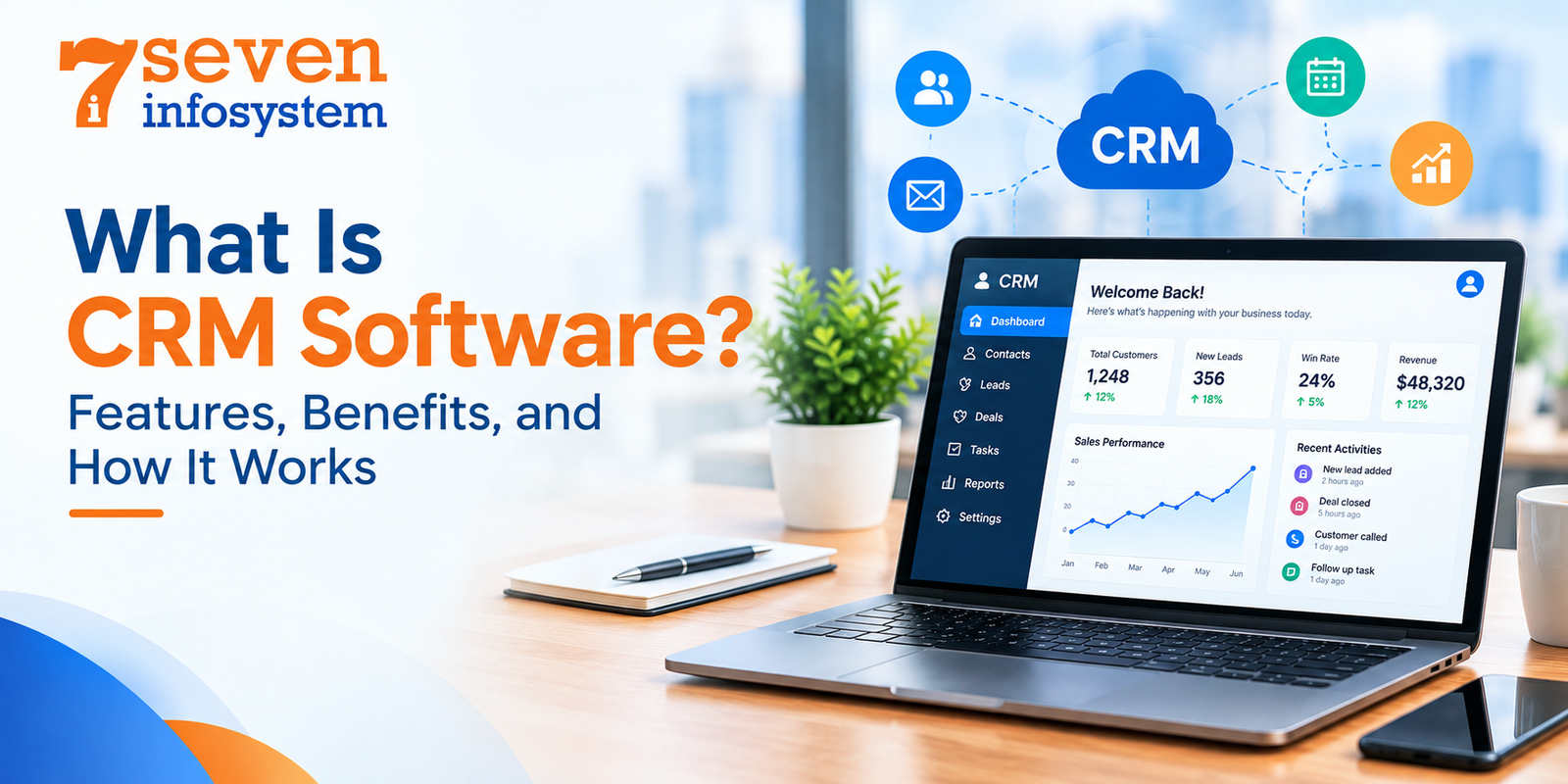
Instead of searching through spreadsheets, email folders, and personal notes, employees can access one updated customer record. A CRM dashboard can also display contacts, leads, sales opportunities, tasks, and other activities.
The dashboard content may vary based on the CRM software and the user's role.
Step 3: Track Customer Interactions
Customer relationships involve many types of interactions. A prospect may receive an email, attend a product demonstration, or speak with a salesperson. They may also visit a website or contact customer support.
CRM software can record these activities and give employees useful customer context. Before contacting a prospect, a salesperson can review emails, notes, meetings, and other interactions.
This information helps teams provide a more consistent customer experience. Employees can rely on recorded information instead of memory or paper notes.
Step 4: Manage Leads and Sales Opportunities
A CRM system can assist sales teams in taking their prospective customers through various stages of the sales process.
A typical pipeline might include:
- New lead
- Contacted
- Qualified
- Proposal sent
- Negotiation
Businesses can customize these stages to match their sales process. The CRM can also help staff prioritize leads, assign opportunities, value deals, and forecast sales.
Step 5: Automate Follow-Ups and Tasks
Timely follow-ups can help sales teams stay connected with customers. Manual reminders, however, can take time and may get missed.
CRM systems can automate many routine tasks. For example, the system can remind a sales representative to contact a client after a meeting. It can also create a task when a new lead arrives.
Common CRM automation features include:
- Email sequences
- Task assignments
- Notifications
- Appointment reminders
- Lead routing
- Workflow triggers
Automation allows employees to spend less time managing repetitive administrative work.
Step 6: Analyze Customer and Sales Data
A CRM does more than store customer information. It can also turn customer and sales data into useful reports.
- Number of leads
- Conversion rates
- Revenue
- Customer interactions
- Team performance
- Marketing responses
These insights can help businesses identify patterns and make decisions based on available data rather than relying only on assumptions.
Features of CRM Software
CRM software features can vary between platforms. However, most modern CRM systems offer several useful capabilities.
Lead Management
Lead management helps companies organize and track potential customers.
A CRM can collect leads from websites, ads, forms, social media, and referrals. Teams can assign leads to employees and monitor their progress. They can also move qualified leads into the sales process.
This feature helps businesses manage customer inquiries more efficiently. It also reduces the need to track leads through spreadsheets or email.
Customer Interaction Tracking
CRM software can record customer interactions in one place.
The system can track emails, phone calls, meetings, notes, sales, and support requests. These records give employees more context when they communicate with customers.
For example, a support agent can review past communications before replying. A sales representative can also check previous customer interactions.
Task and Follow-Up Management
A CRM application helps employees organize their daily activities. Users can create tasks, follow-ups, reminders, activities, and deadlines.
Sales teams can benefit from this feature because they often manage many customer conversations. Employees can connect tasks with specific clients or deals instead of using separate calendars and notebooks.
AI-Powered CRM Features
Artificial intelligence is becoming an important part of modern CRM software.
Depending on the platform, AI tools can help with tasks such as:
- Summarizing customer conversations
- Drafting emails
- Identifying sales opportunities
- Predicting customer behavior
- Providing recommendations
- Answering questions about CRM records
AI capabilities can differ between CRM providers. Businesses should review the available features before choosing a platform.
CRM Integration With Other Business Tools
A CRM system becomes more useful when it connects with other business tools.
Common integrations include:
- Email platforms
- Marketing automation tools
- Accounting software
- Customer support systems
- E-commerce platforms
- Communication applications
These integrations can reduce duplicate data entry and improve workflow efficiency. Businesses can also use CRM tools that support APIs for connecting different applications.
Benefits of CRM Software
Benefits of CRM software depend on the system's alignment with the process of a company and consistency in using it by the staff members. Some of the common CRM system benefits are improved organization, collaboration, and customer management.
Centralizes Customer Information
The main benefit of the CRM software is the centralization of information.
Rather than maintaining customer information in different spreadsheets and email inboxes, team members can use a unified software system.
Centralization of customer information makes it easier to access customer information and track account history.
Improves Customer Relationships
When relevant interactions and customer information are available, in one place employees can have informed conversations.
For example a salesperson can review discussions before contacting a prospect. A support agent can check service requests before responding to a customer.
This context can contribute to an organized and consistent customer experience.
Helps Teams Follow Up on Time
A missed follow-up can mean a missed opportunity.
CRM reminders, tasks, workflows and notifications can help teams keep track of customer activities.
Sales representatives can see which prospects require attention while managers can monitor whether important opportunities are progressing.
Reduces Manual Data Entry
Without a CRM employees often have to enter the data over and over again into different systems. This leads to wasted time and mistakes. Using integrations and automation helps cut down on this work. For instance when someone fills out a form, on a website that information can go into the CRM. There is no need for an employee to type in the visitor’s name, email or phone number manually. It saves effort. Reduces errors.
Improves Team Collaboration
It will be easier for employees to share customer data when working from a central database.
This is because the sales, marketing, and customer service departments might be able to access the necessary information.
This minimizes chances of having the situation where one department has customer information but cannot easily share it with another department.
Different Types of CRM Software
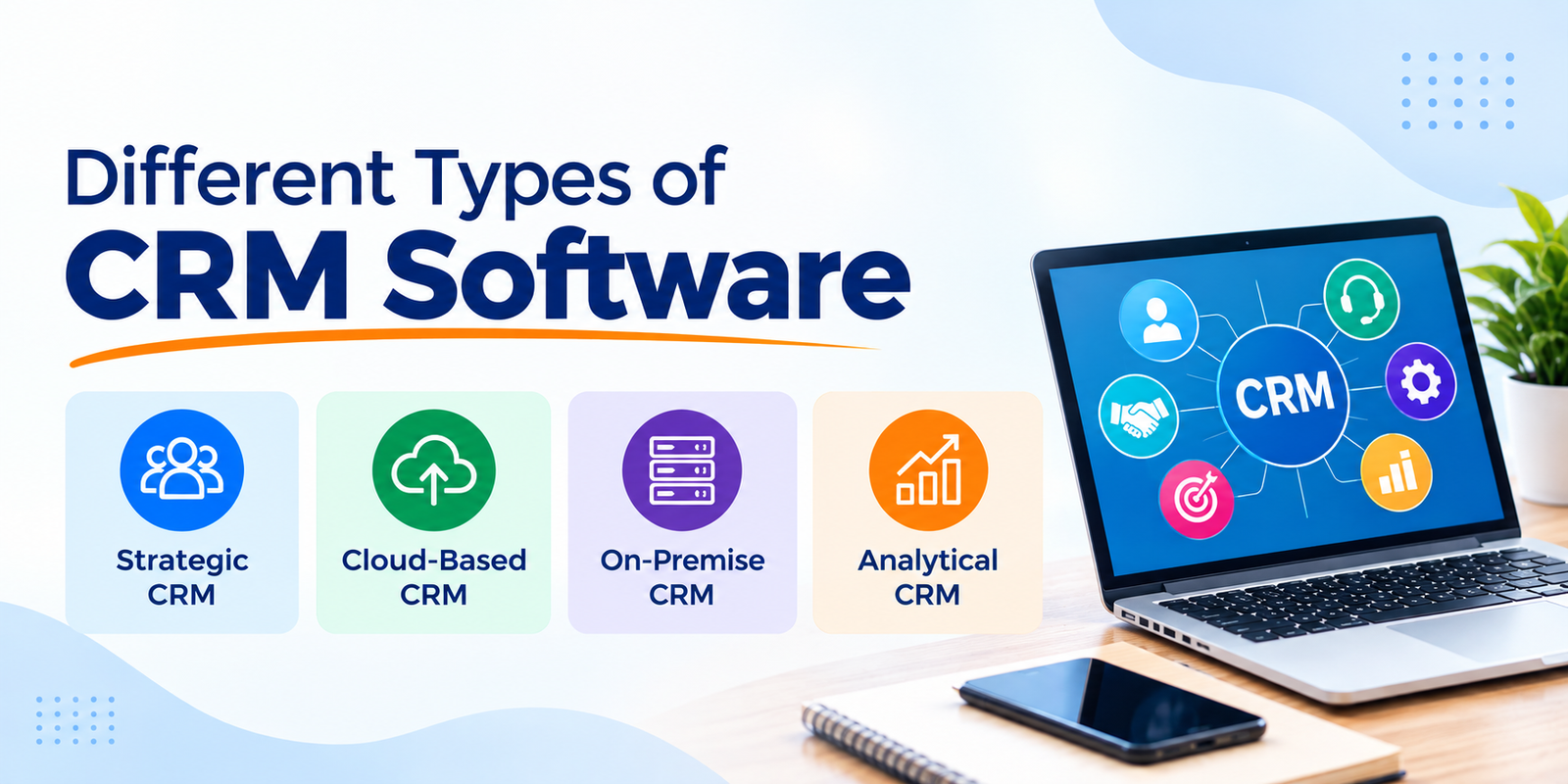
There are many different ways in which CRM solutions can be categorized. Below are some examples of crm software types.
Strategic CRM
Strategic CRM involves building lasting relationships with customers.
Customer information is used for understanding and meeting the needs of customers as well as for retaining them.
This form of CRM is especially applicable for companies that consider customer relationships as a major component of their business strategy.
Cloud-Based CRM
CRM which is in the cloud will be hosted by a service provider and accessed over the Internet. Cloud based crm systems have gained much popularity since firms usually do not require to have the underlying servers.
The system can usually be accessed using a web browser or crm application, depending on the vendor.
Some cloud based crm systems provide automatic updates, remote access capabilities, integrations and subscription pricing plans.
A cloud based crm system might be convenient for geographically dispersed teams.
On-Premise CRM
An on-premise CRM is set up. Managed on the company's own computers and servers.
The company usually has direct control over the place where the system is hosted, how security is set up and how the system is run.. It also has to take care of the computers and servers, keep them working, update them and have people who know how to handle the technology.
The best way to put this system in place depends on what the company needs in terms of technology, how money they have, what rules they must follow and what skills they have inside the company.
Analytical CRM
Analytical CRM is all about analysis of customer information.
It can assist businesses in detecting trends, understanding customer behavior, evaluating sales performance, and analyzing business operations.
Such analytical capabilities may consist of dashboarding, reporting, forecasting, segmentation, and data analysis.
Who Uses CRM Software?
CRM software is not just for sales teams. Many different groups in a company use it to keep track of customer interactions and improve their work.
CRM Software for Sales Teams
Sales teams are one of the users of CRM software. A CRM helps sales reps handle leads, follow up on opportunities, set reminders for calls and keep notes on conversations. It also lets them watch how deals move through the sales process.
Managers in sales can look at reports and dashboards to see how the team is doing. They can check pipeline progress, spot trends. Find out which reps are performing well. This helps them make decisions and support their team.
CRM Software for Marketing Teams
CRM information helps marketing teams learn about prospects and customers.
CRM software helps in segmentation, campaign management, nurturing leads, and marketing analysis.
If marketing and sales platforms are integrated, visibility of leads moving from being engaged to creating a sales opportunity becomes easier.
CRM Software for Customer Support Teams
CRM software can be used by customer support teams to view customer profiles and interaction history.
The support personnel can view past tickets, purchases, conversations, or even account information before providing any response.
This avoids the need for customers to reiterate their problem again and again.
CRM Software for Small Businesses
CRM software is not exclusive to big companies. A crm software for small businesses can help small companies organize customer information as they grow.
Starting with simple contact management, a small business can proceed to using sales pipeline, automation, reporting, integration, and marketing.
While selecting the best CRM software for small businesses, owners must consider various aspects like usability, price, scalability, integrations, customizability, mobility, and support.
It is important for a company to select the CRM software based on its needs rather than selecting the one with maximum features.
CRM Software and Business Processes
For instance, a business can employ a CRM for handling the process of converting an inquiry on the company’s website into a transaction. The lead is generated by marketing, the opportunity is qualified and managed by sales, and customer support handles further relationship management after the sale.
Implementing a CRM effectively is not only about buying the solution. Companies should also plan processes, determine data standards, train employees, manage access, and constantly monitor how the system is being utilized.
Companies with a technical department can look into using crm for software development, especially if they need their CRM to be integrated with their other software, products, websites, or development processes.
Some companies research crm software open source options if they want to have control over the software itself and customize it according to their needs. However, even in this case, technical assistance will be needed.
Conclusion
CRM software is a technological tool that aims at assisting organizations to manage customer information, relationships, contacts, leads and optimize customer related processes.
Key capabilities of a typical CRM include such functionalities as contact management, lead management, sales funnel, task management, reporting, automation, integration and recently, artificial intelligence based features.
Benefits of a CRM system can cover various business aspects including sales, marketing, customer service and management. By consolidating all necessary customer data in one system, a CRM can provide more visibility and save companies from some routine customer management activities. In addition, there are various CRM system types including strategic and analytical CRM, cloud and on-premise CRM.
FAQs
1. What is CRM software and how does it work?
CRM software helps businesses store customer information, track interactions, manage leads, and organize sales activities. It keeps customer data in one place so teams can easily manage relationships and follow-ups.
2. What are the main features of CRM software?
Common CRM software features include contact management, lead tracking, sales pipeline management, task reminders, reporting, automation, customer interaction tracking, and integrations with other business tools.
3. What are the main benefits of CRM software?
The benefits of CRM software include better organization of customer data, improved team collaboration, timely follow-ups, reduced manual work, and better visibility into sales and customer activities.
4. What are the different types of CRM software?
Common CRM software types include strategic CRM, analytical CRM, cloud-based CRM, and on-premise CRM. Each type supports different business needs, such as customer relationships, data analysis, or system control.
5. Is CRM software suitable for small businesses?
Yes. CRM software for small businesses can help organize contacts, manage leads, track sales opportunities, and schedule follow-ups. Businesses can choose a CRM based on their budget, team size, and required features.